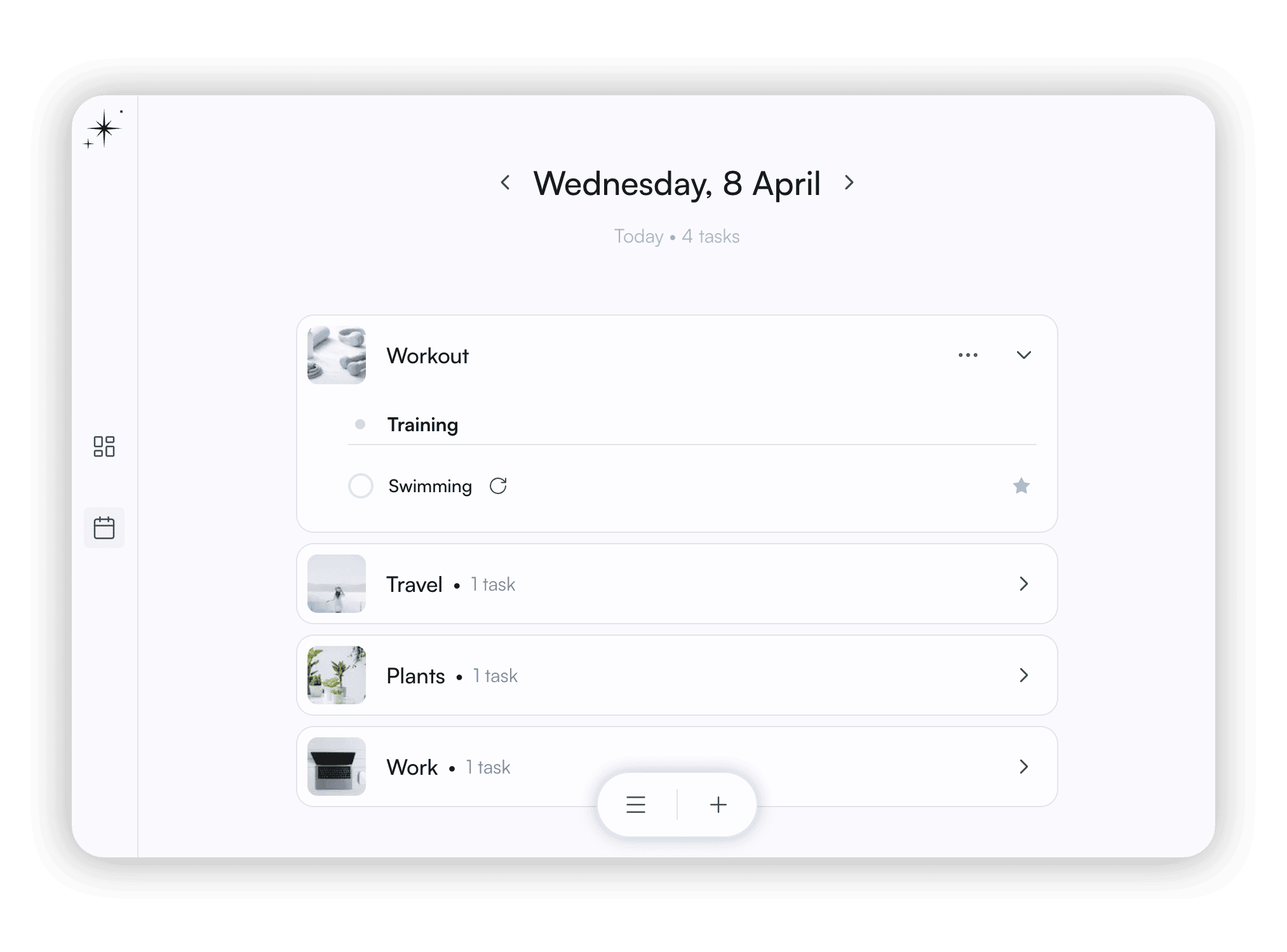
In your own way
Shape your time and don't let the days blend together and fly by. Plan, take notes, keep a journal.

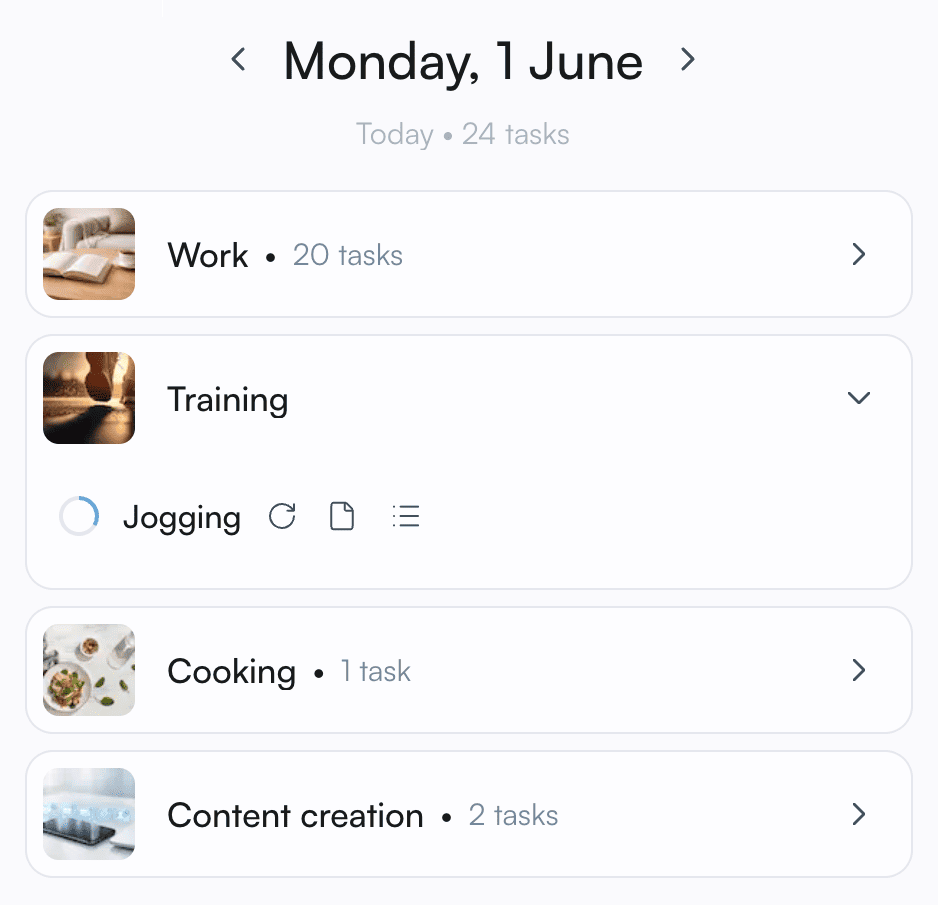
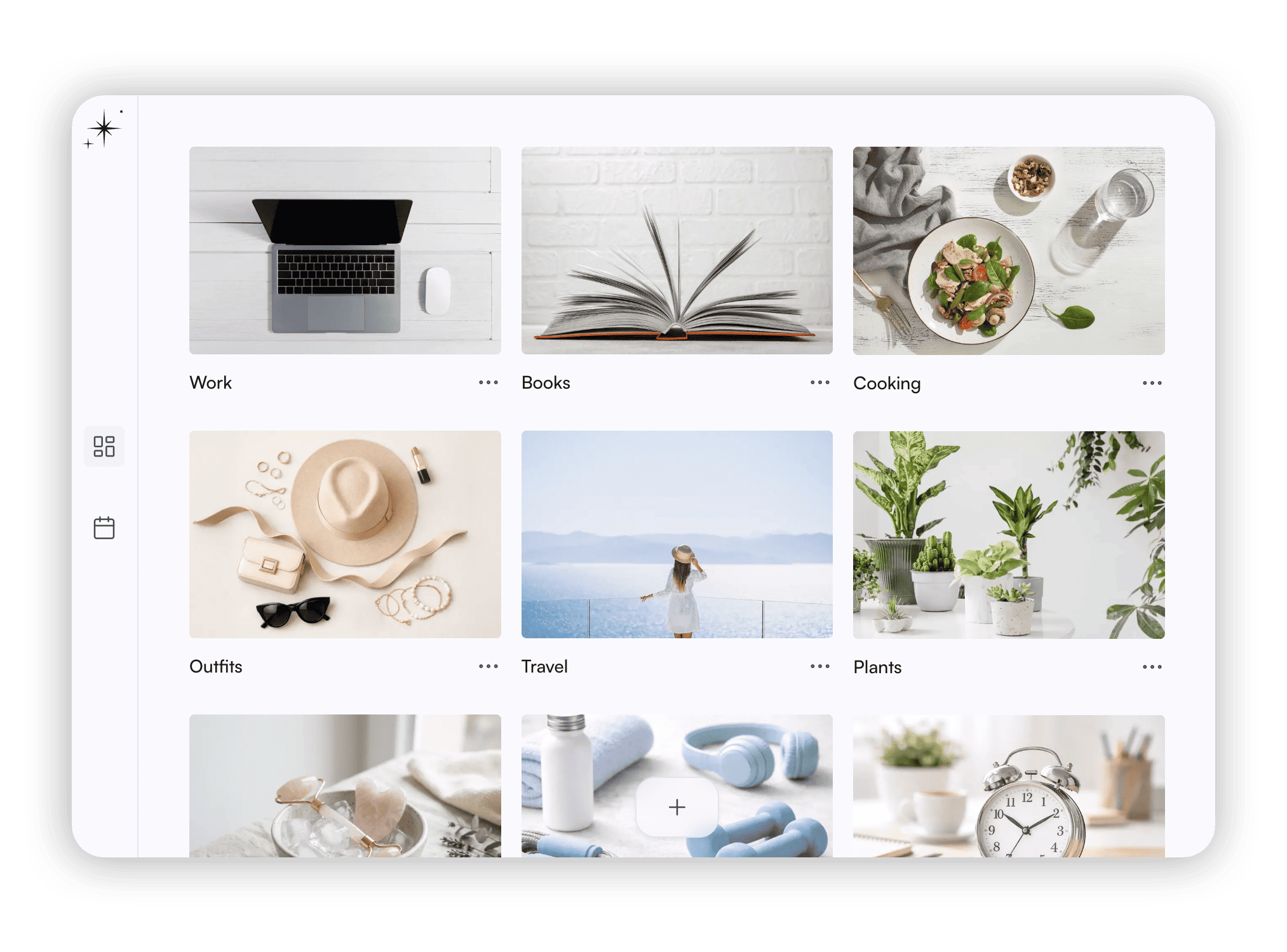
Multiple boards
Whatever project you're starting, you can begin with a fresh board. It's your space for tasks, notes, a calendar, and a journal. Develop your board independently, the way you want.
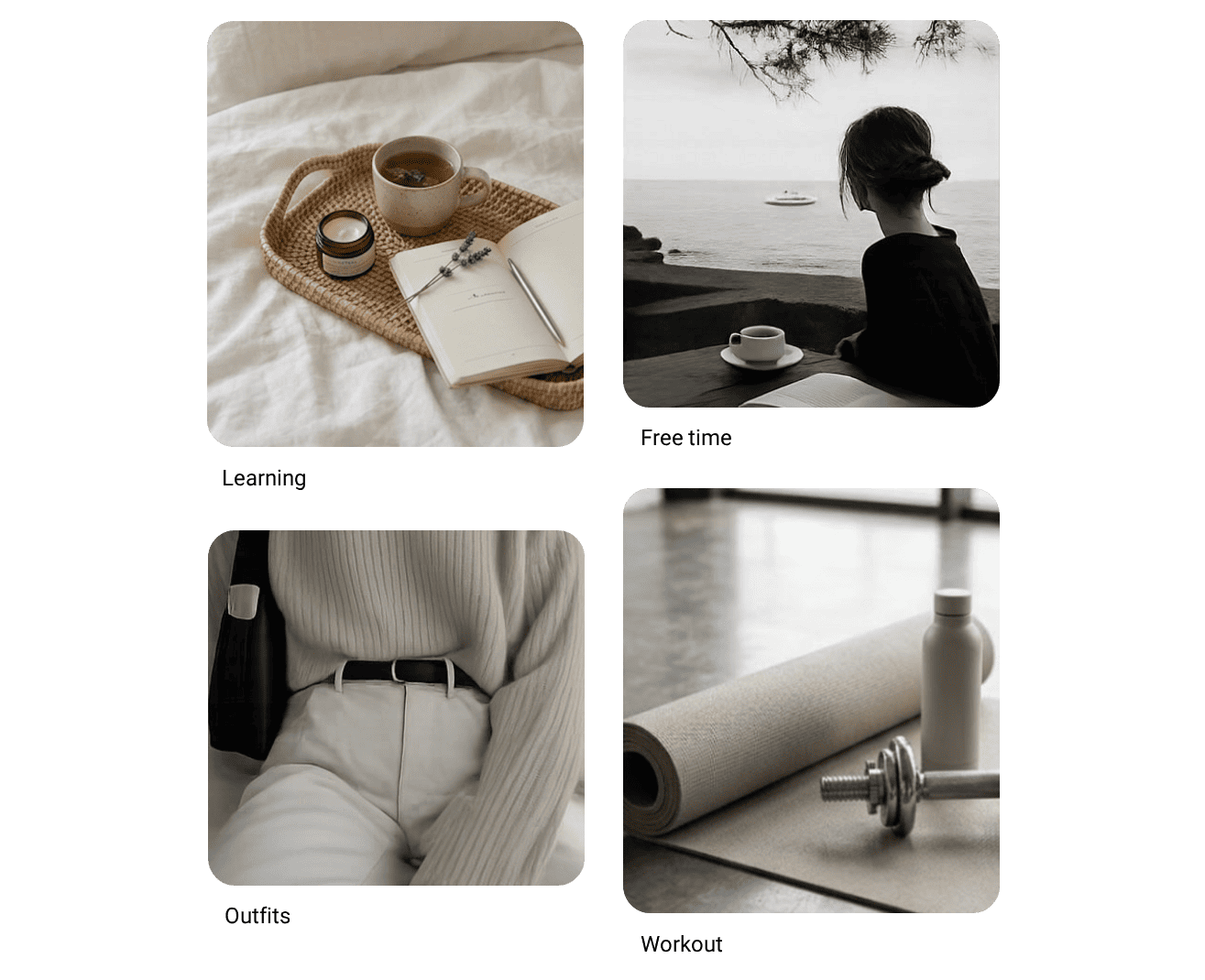
Calendars
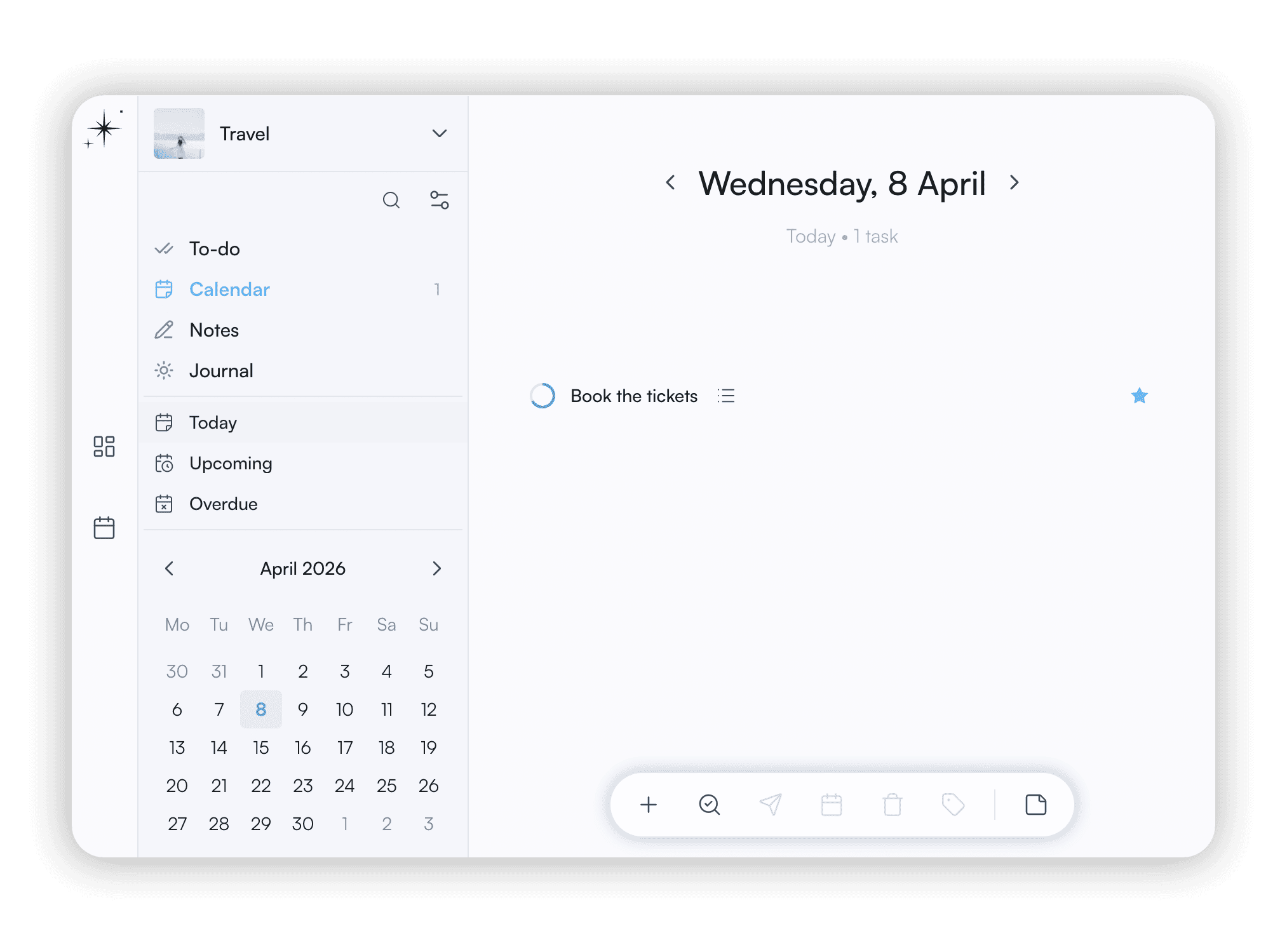
Tasks scheduled in calendars from different boards are visible in the same day view. See today's, upcoming, recurring, and overdue tasks, or hide them for later.
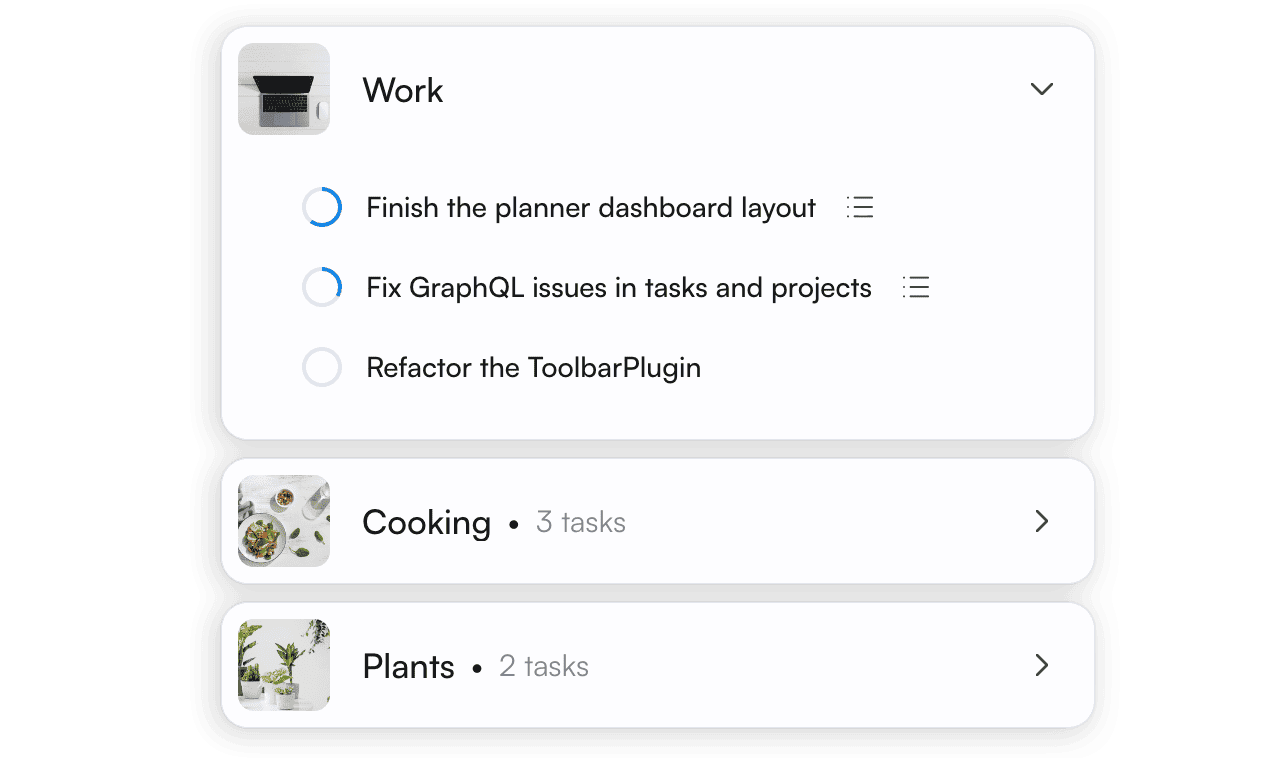
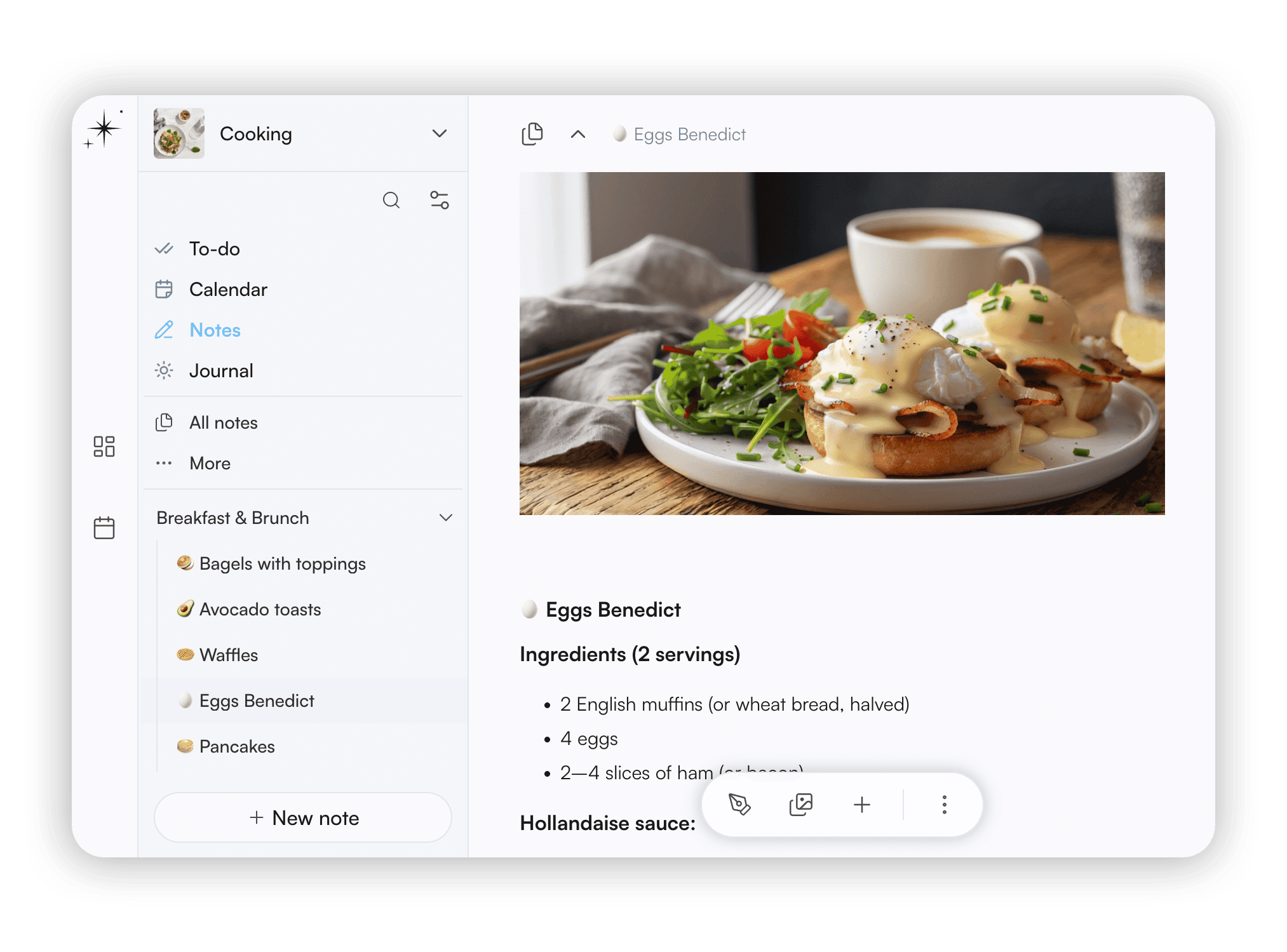
Notes
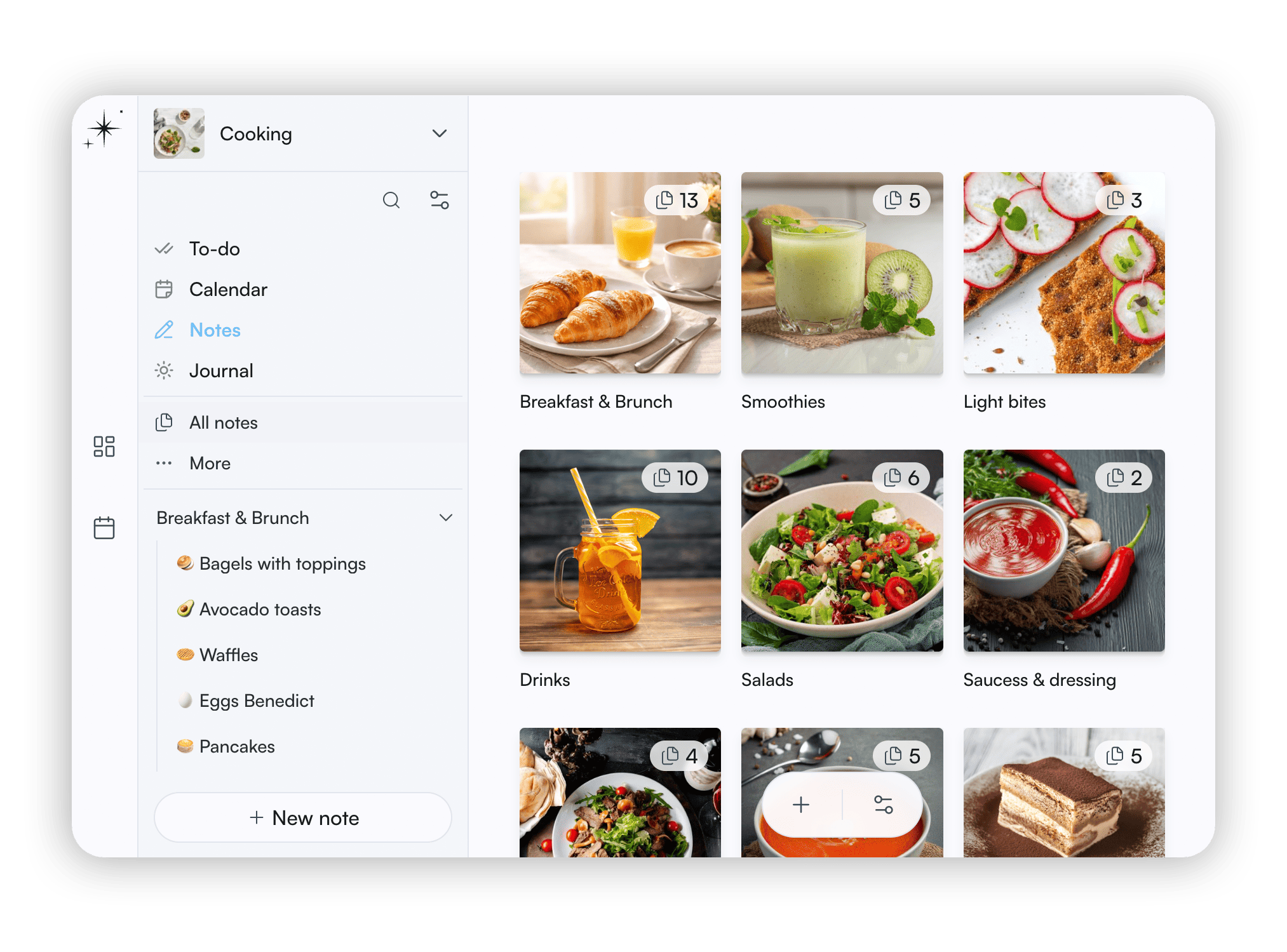
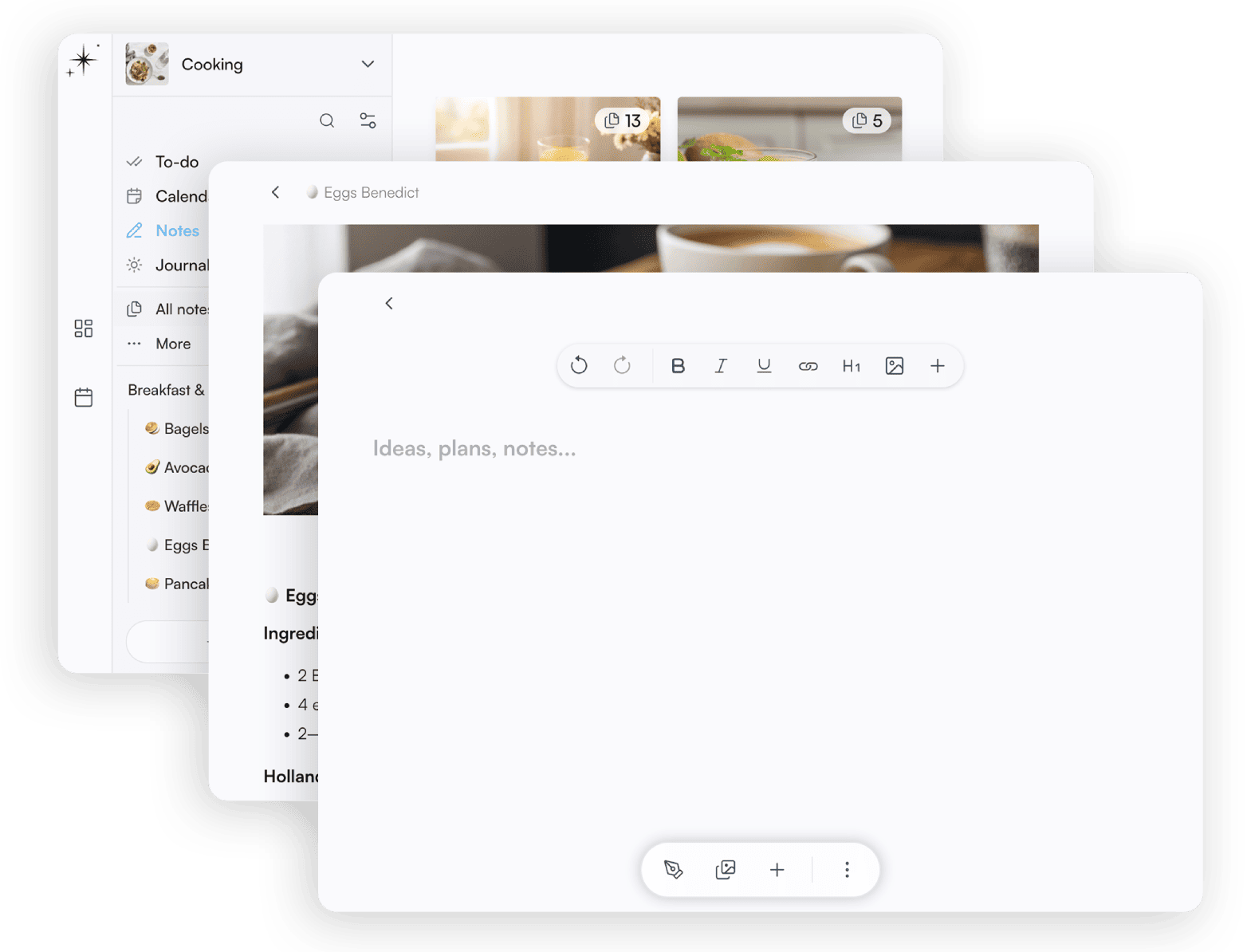
Think and note. Create context for your plans using text editor and galleries. Notes are standalone, but you can link them to tasks for quick reference and nested for hierarchical organization.
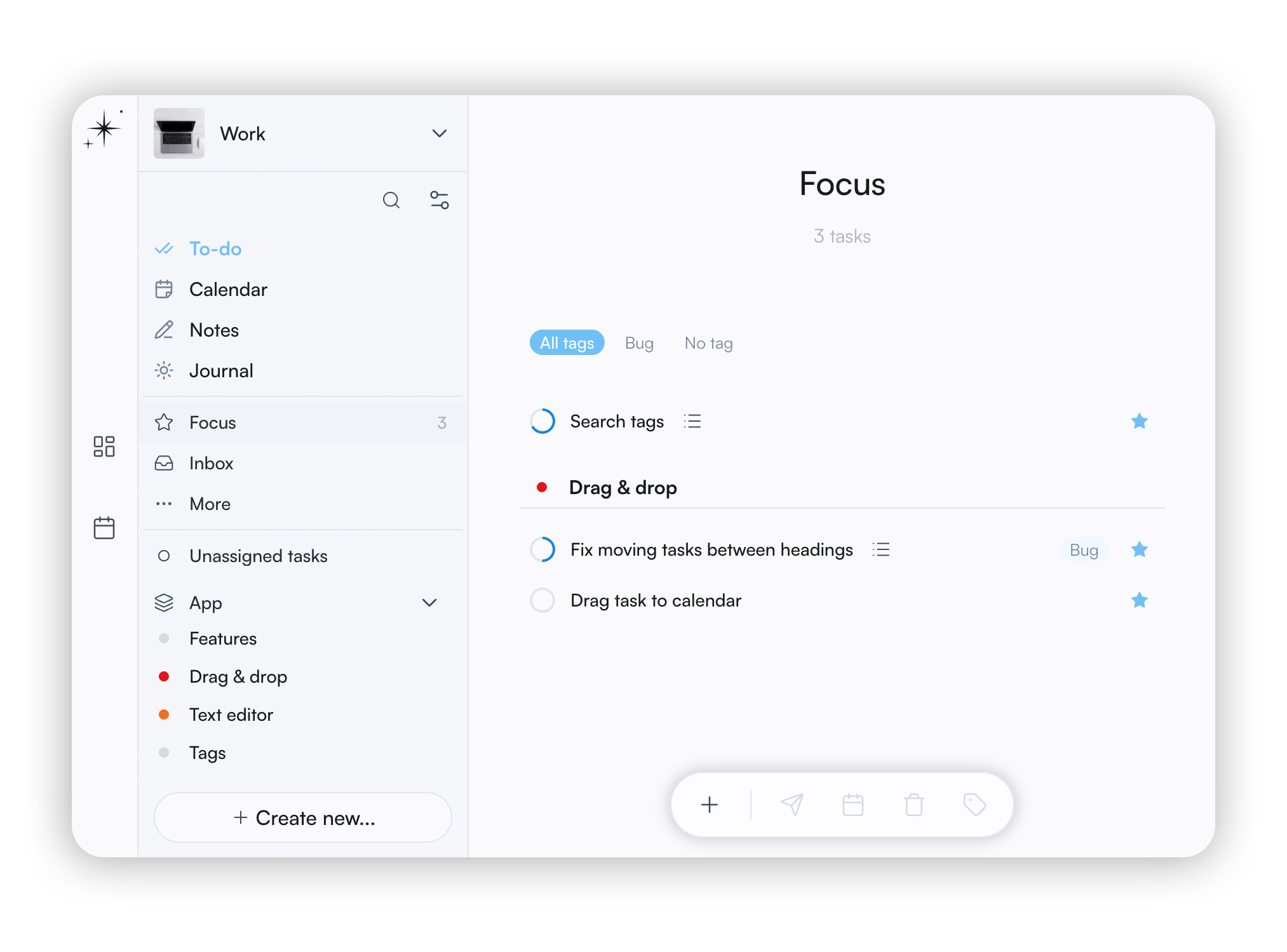
Planners
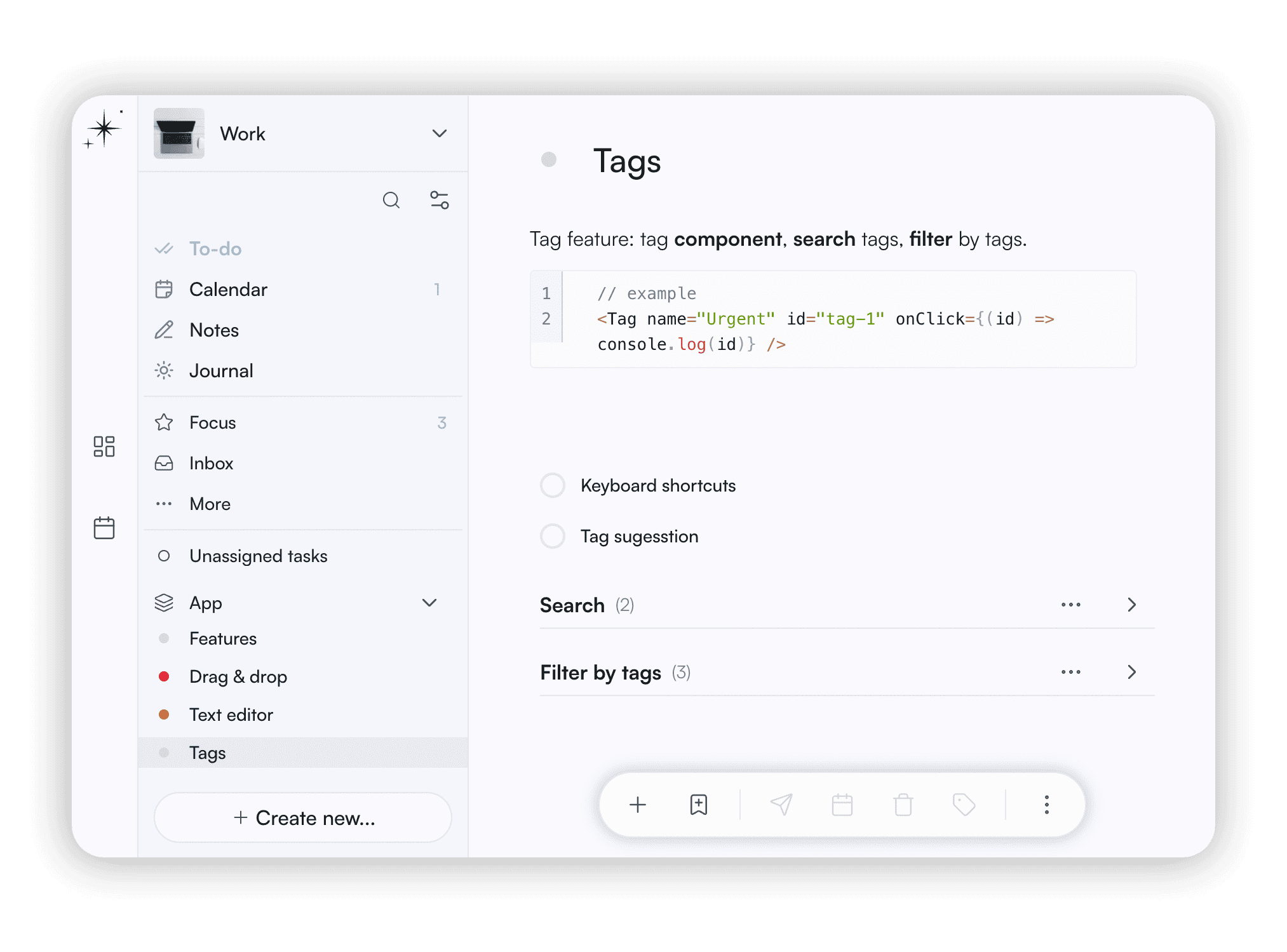
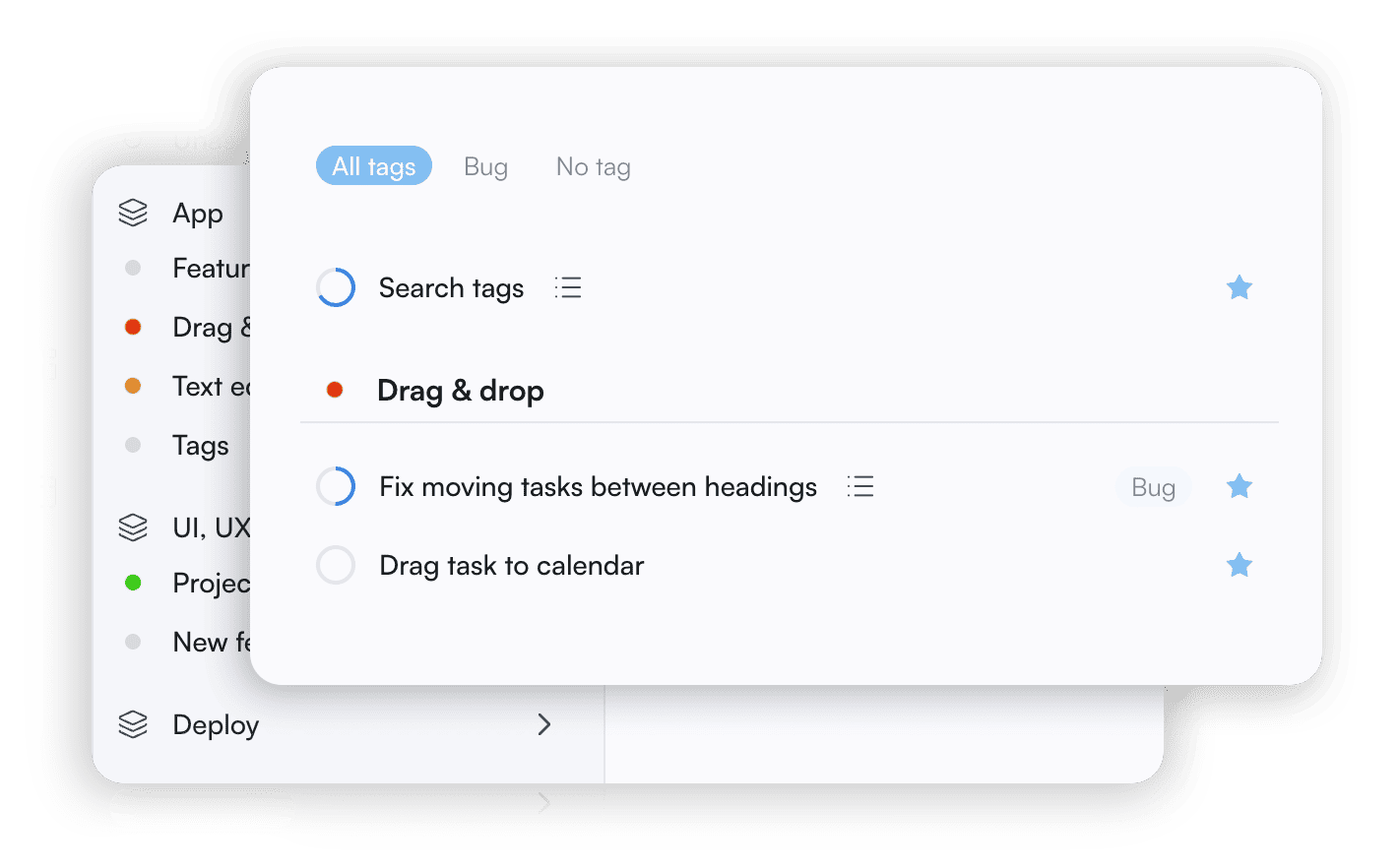
Organize your tasks using projects, areas, tags, sections and more. Easily star a task to add it to Focus view and see only what you need now.
Task
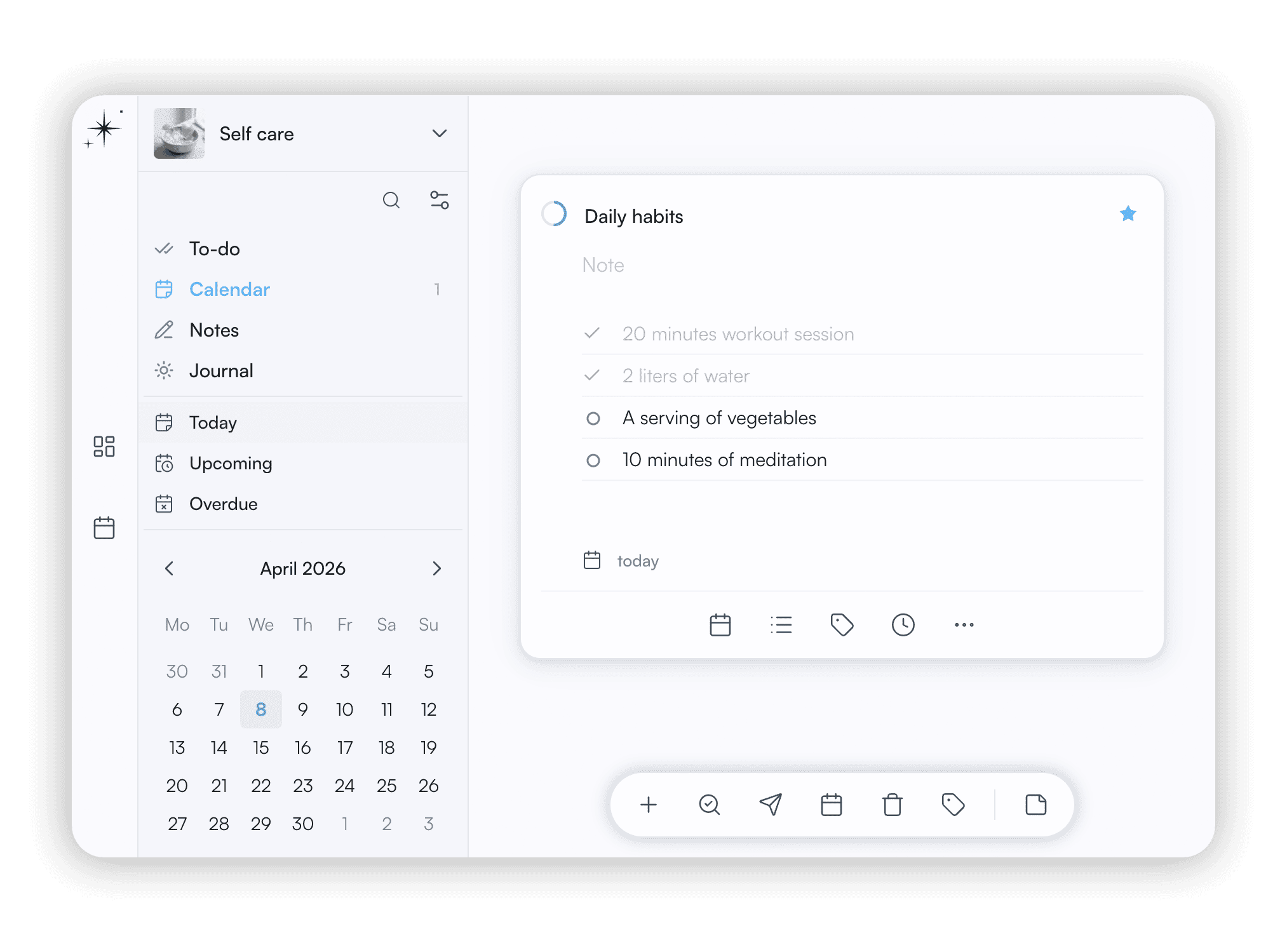
Use tags, checklist, due date, notes, deadline, and more. Set recurring to automate your routine. Scale your workflow by breaking tasks into smaller steps and track progress.
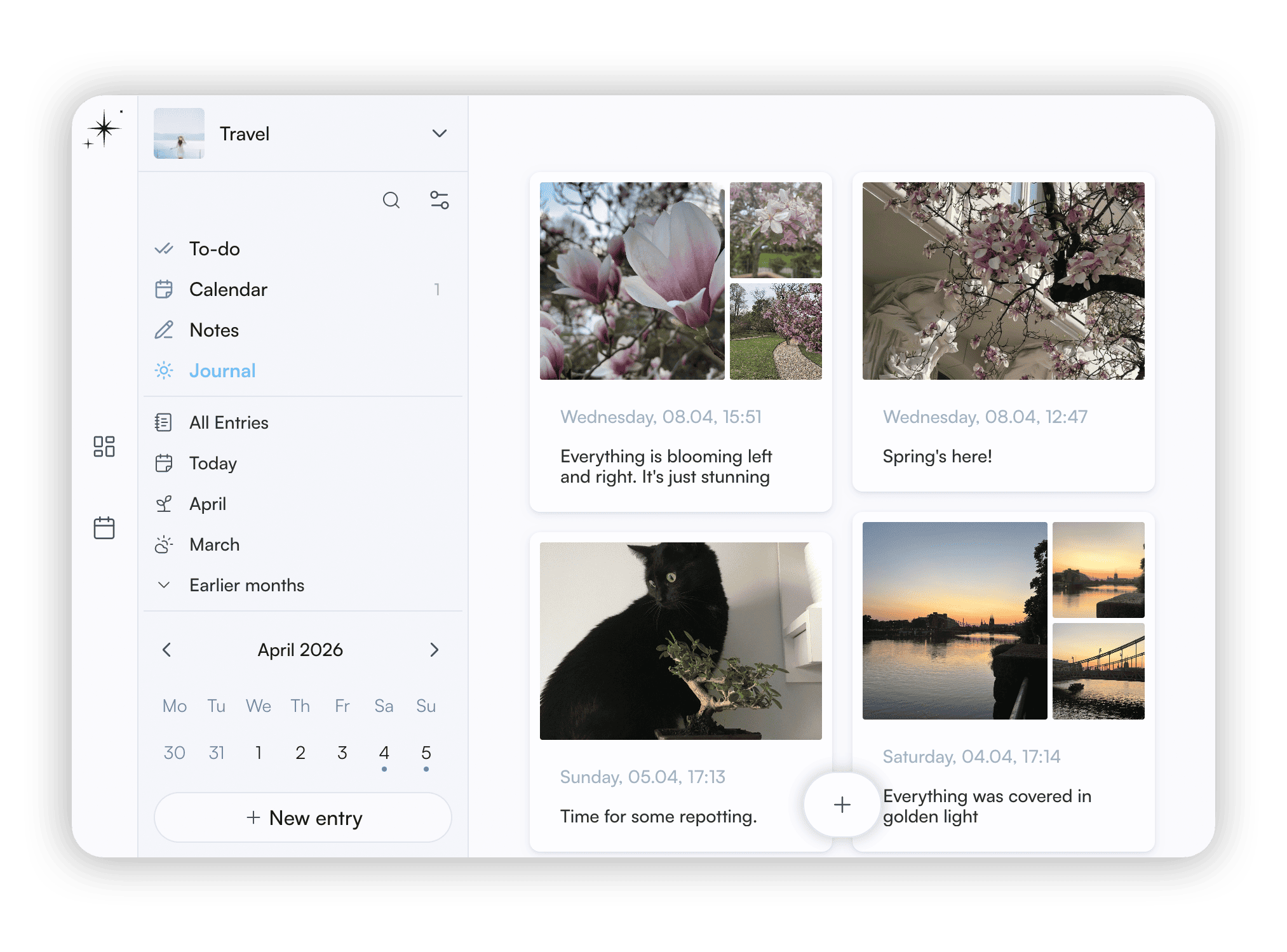
Journals
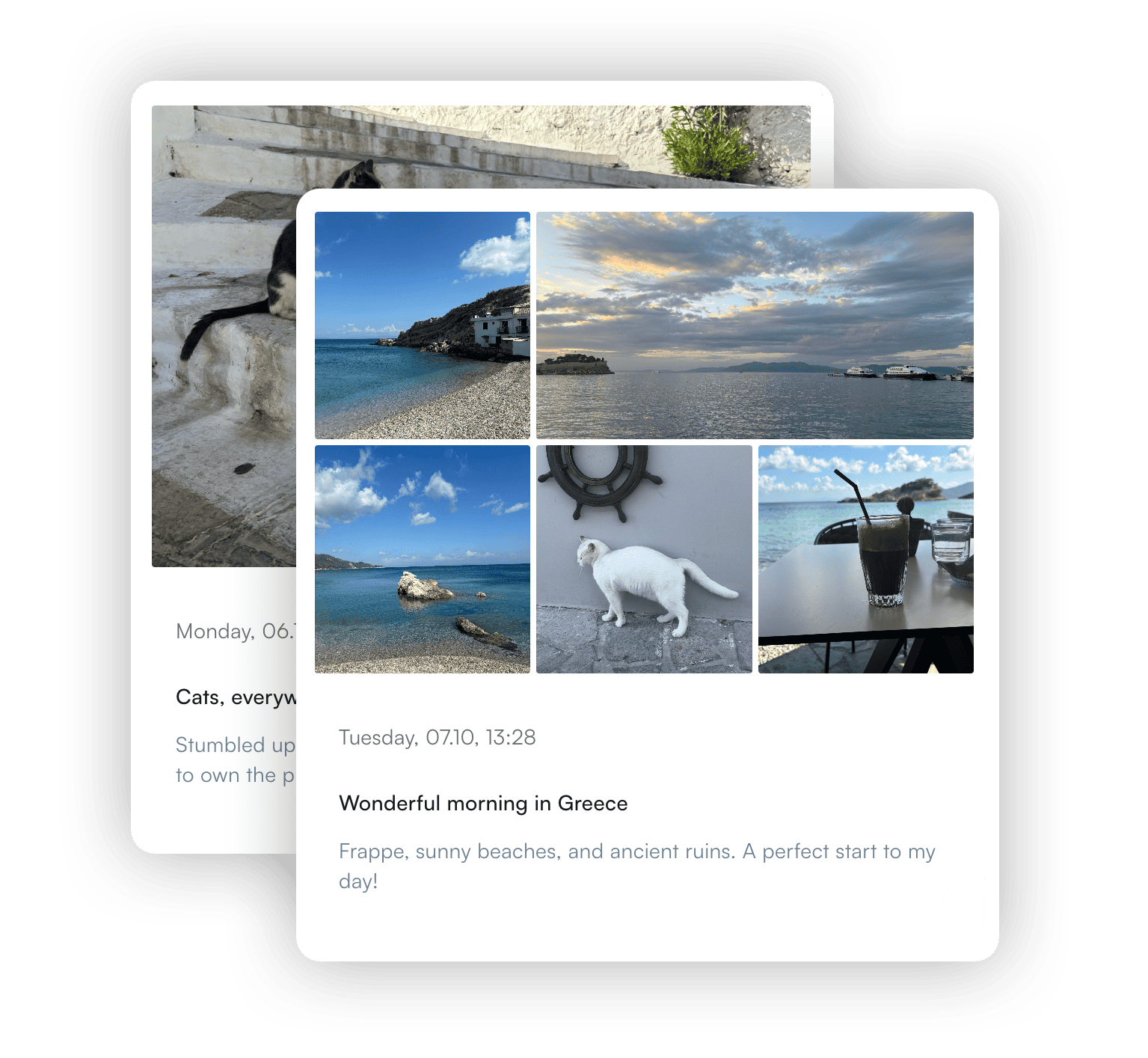
Keep a daily journal of your thoughts, ideas, and progress. It's your personal feed, where you can use it to reflect, plan, and track your growth over time.
Unleash your creativity
Minimal design, intuitive flow, and thoughtful details make planning something you look forward to.